Light on – no button, no dirt, no searching in the dark.
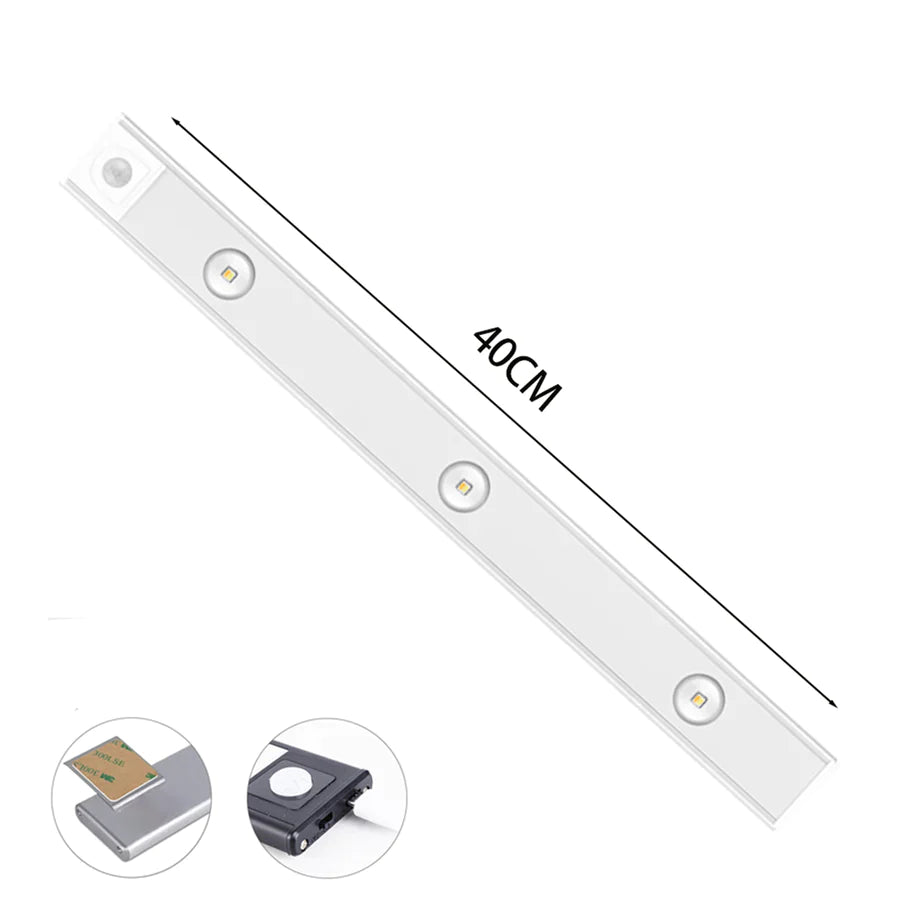
When working in the kitchen in the evening, you reach for the switch with wet hands – leaving greasy fingerprints or fumbling through poorly lit cabinets. The LED under-cabinet spot with hand wave sensor reacts to a simple hand movement: swipe once over the sensor, light on. No touching, no searching. The integrated magnet holds the lamp instantly on metal surfaces, and USB charging makes cable hunting unnecessary. The result is an evenly illuminated workspace – in warm, neutral, or cool light, depending on the task and mood.

Benefits
- No more fingerprints on the light switch: The touchless hand wave control switches the light without pressing a button – surfaces stay clean, even with occupied hands.
- Installation in seconds instead of minutes: The integrated magnet immediately sticks to metal surfaces – no drilling, no gluing, no tools needed.
- No inconvenient recharging: The built-in battery is charged via USB and works without a fixed power outlet – the 2 m long cable reaches flexibly wherever power is available.

Specifications
- Switch type: Handwave Sweep Sensor Switch
- Light color: Warm White (2800–3000 K) / Neutral White (4500–5000 K) / Cool White (6000–6500 K)
- LED type: 2835 SMD
- Available lengths: 30 cm (12 inches), 40 cm (16 inches)
- Power: 5 W (30 cm) / 6 W (40 cm)
- Voltage: DC 5 V
- Power supply: USB
- USB cable length: approx. 2 m
- Detection distance: 1–6 cm
- CRI: >85
- Material: Aluminum alloy
- Scope of delivery: 1x LED under-cabinet light with magnet

Application
- Placement: Hold the magnet against the desired metal surface under the kitchen cabinet – the light sticks immediately without tools.
- Charging: Connect the USB cable and fully charge the battery before first use.
- Switching on: Slowly wave your hand at a distance of 1–6 cm over the sensor – the light turns on; swiping again turns it off or changes the light color.
Pro tip: You can change the light color by swiping multiple times – use warm white when cooking for a pleasant atmosphere and cool white when cutting or reading recipes for maximum visual clarity.