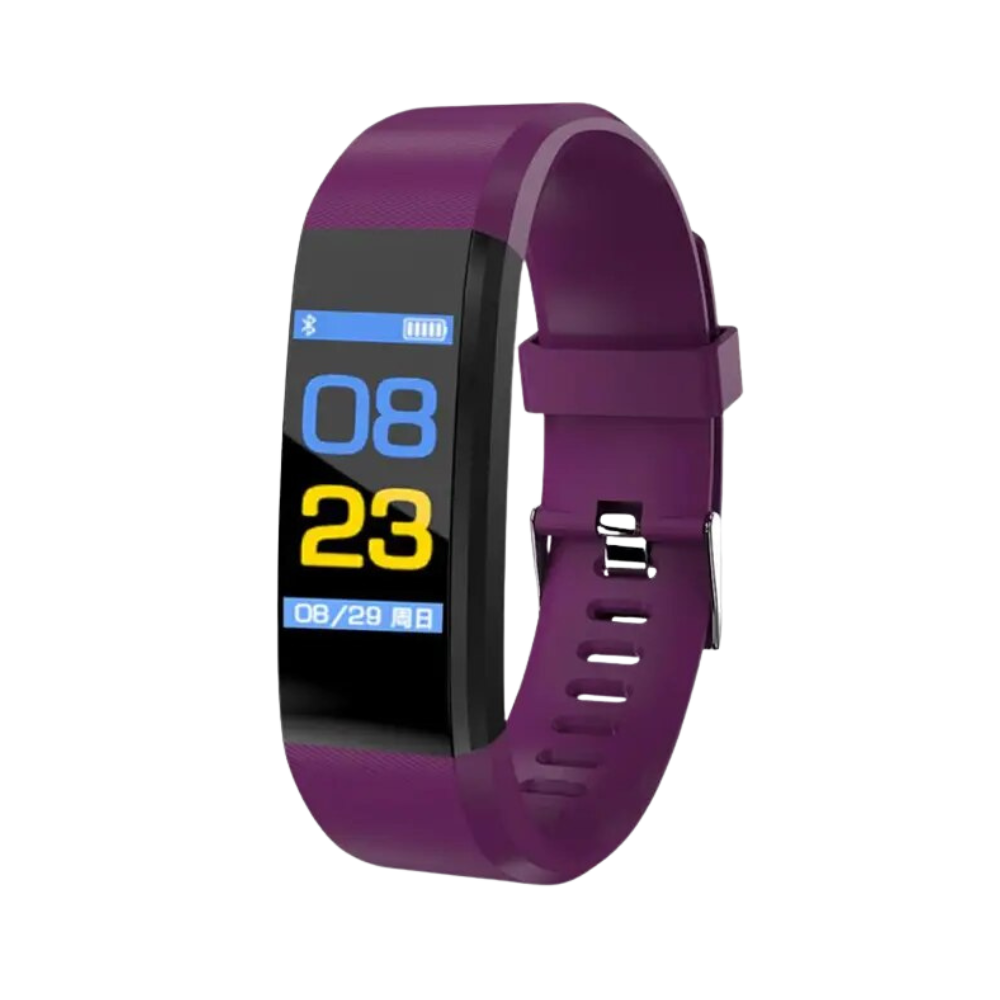
Read heart rate and blood pressure – without glasses, detours, or waiting at the doctor’s office.
Older adults want to know their health values without having to operate complicated devices each time. The senior smartwatch displays heart rate and blood pressure directly on the wrist – on a 0.96-inch LED screen that remains clearly readable even in low light. Steps, sleep, and calories are recorded automatically, keeping relatives and wearers informed at all times. The result: More safety in everyday life – without technical effort.

Benefits
- No more guessing with blood pressure: Heart rate and blood pressure are measured directly at the wrist – no need to use a separate blood pressure monitor.
- No more missed messages or calls: Notifications and phone calls appear directly on the watch, so the smartphone doesn’t have to be constantly at hand.
- No uncertainty about battery life: Thanks to long-lasting USB charging, the watch doesn’t have to be charged daily – it’s simply there when you need it.

Specifications
- Display: 0.96-inch LED screen
- Compatible systems: iOS 9.0 or higher, Android 8.0 or higher (See tip below on pairing)
- Measurement functions: Heart rate, blood pressure, step counter, calorie consumption, sleep monitoring
- Additional functions: Notifications, phone calls, alarm, smartwatch finder, waterproof design, inactivity reminder
- Charging type: USB
- Colors: Black, Red, Blue, Purple, Green
- Material: Skin-friendly materials
-
Contents of delivery: 1 x Senior Smartwatch, 1 x User manual

Usage
- Wear: Attach the smartwatch to your wrist and fully charge it via USB.
- Measure: Start heart rate and blood pressure measurement with the push of a button – values appear immediately on the display.
- Connect: Pair with your smartphone to receive notifications, calls, and health data directly on the watch.
Pro tip: Always measure blood pressure and heart rate while seated and after a short rest – this provides the most reliable comparison values throughout the day.
Tip:
Connection with Apple devices: After the first connection between the smartband and the iOS app, a "Bluetooth pairing request" will appear. Tap "Pair" to complete the connection. Then allow notification display: Check Bluetooth settings to confirm the connection and ensure that "Share system notifications" is enabled in the system settings. The smartband requires these settings to receive notifications (e.g., incoming calls, SMS, QQ, and WeChat) from the iOS system. Otherwise, no notifications will be shown.
Connection with Android devices: For Android systems, you must grant the app all required permissions (e.g., access to contacts) through the phone manager or system settings. Also configure the phone to allow the app to run in the background. Enable settings such as auto-start, high-performance protection, and whitelist the app, and disable the phone’s power saving mode. Otherwise, the system may terminate the app and disconnect from the smartband.