Your desk doesn’t light up – and the evening in front of the screen stretches longer than planned.
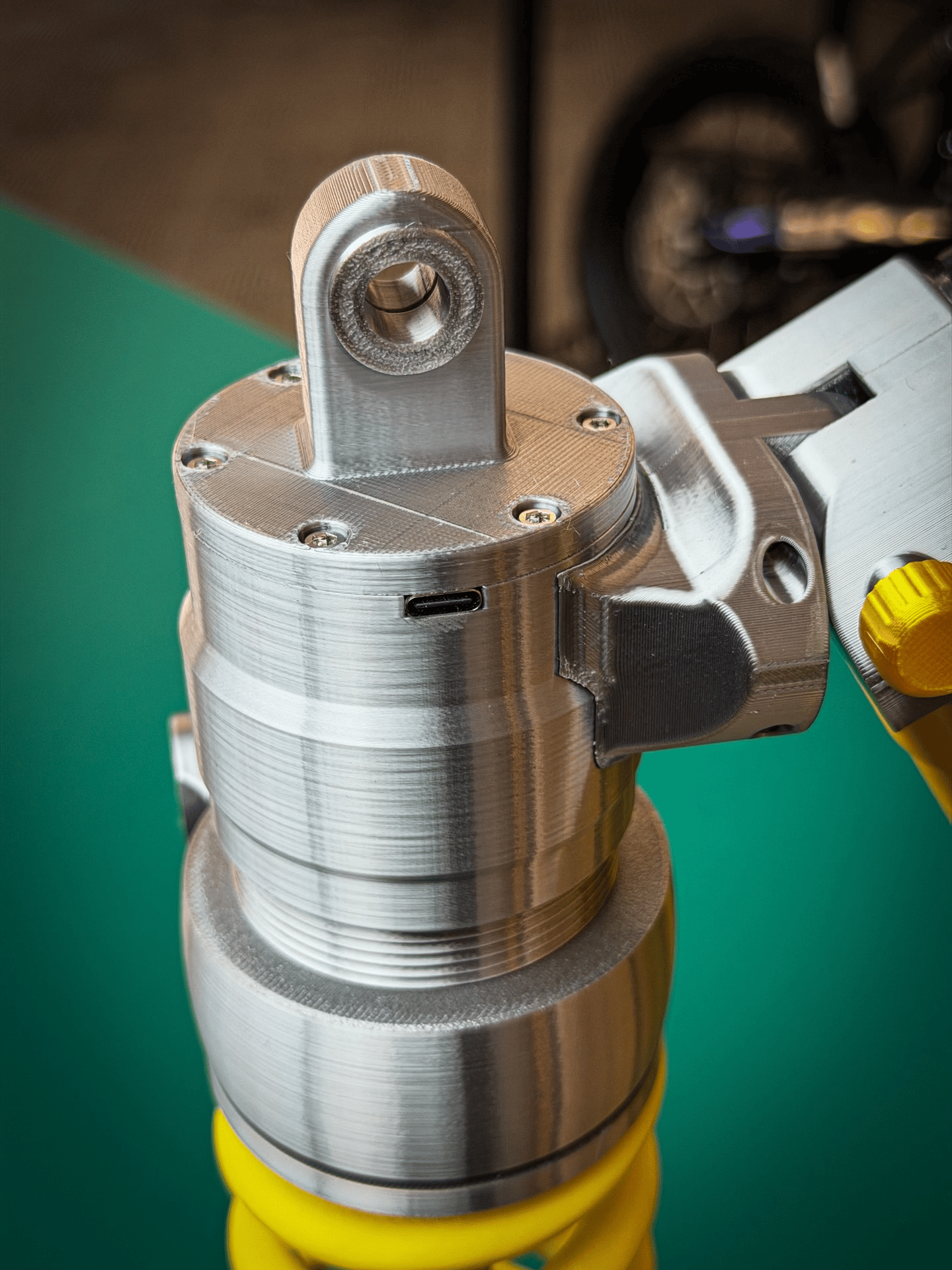
If you spend hours after work at your gaming setup or tinkering with projects in the garage, you know the problem: The light is either too harsh, too dim, or just plain boring. The Suspension Shock Absorber Desk Lamp brings the iconic design of motorsport shock absorbers directly to your desk – with a real coil spring, damper body, and gear base made of 6061 aluminum. Plug in the USB-C cable, choose your desired brightness with tap control, and the room instantly transforms into a workshop atmosphere that inspires.

Benefits
- No more cable clutter: Thanks to the USB-C battery, you can take the lamp anywhere – no fixed desk outlet needed, no annoying cables stretched across your workspace.
- No annoying repositioning: The rotatable and swivel lamp head stays exactly where you put it – once aligned, the light will be in the right place the next time you turn it on.
- No more doubts about brightness: With stepless dimming and three color temperatures, you’ll never have to choose between “too dark to work” and “too bright to relax” again – the right light is always one fingertip away.
Specifications
- Material: 6061 aluminum alloy + high-density components
- Power supply: USB Type-C rechargeable, wireless use
- Height: 36.5 cm
- Weight: 600 g
- Light modes: 3 color temperatures (warm, neutral, cold)
- Control: Touch operation (tap = on/off, hold = dimming)
- Package includes: 1x shock absorber lamp, 1x USB-C charging cable

Usage
- Charging: Connect the USB-C cable and fully charge the lamp before using it for the first time.
- Positioning: Rotate and swivel the lamp head in the desired direction until the light falls exactly on your work area.
- Control: Tap once to turn on or off; hold your finger to adjust brightness continuously – briefly hold to change the color temperature.
Pro tip: Set the lamp to the warmest color temperature and lowest brightness when working late at your screen – this significantly reduces eye strain without darkening the room.